
AI agents can read external pages, call tools, send messages and manipulate data. That combination creates useful automation, but also new paths for untrusted information to influence actions. A webpage should not be treated as an instruction source merely because an agent retrieved it.
Map the trust boundary
Separate the agent's system and developer instructions, explicitly authorised user requests, tool permissions, and untrusted third-party material. Treat page copy, search snippets, emails, document attachments and tool outputs as data—even when they contain convincing instructions.
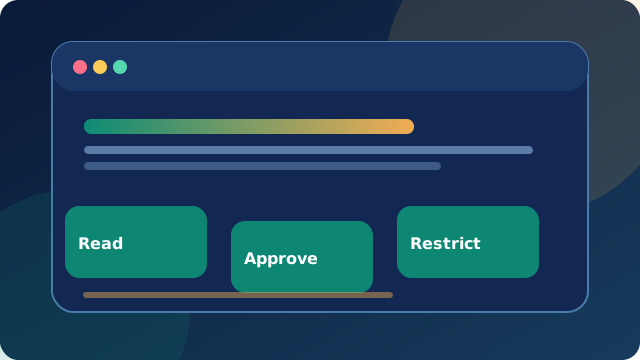
Least privilege for each task
- Use read-only access for research whenever possible.
- Allow external domains and tools explicitly rather than allowing all access.
- Require human confirmation before sending messages, purchasing, deleting, changing permissions or running code.
- Make sensitive credentials short-lived and revoke them when a task ends.
- Keep logs of decisions and tool calls without publishing secrets.
Plan an incident response
Know how to pause an agent, revoke delegated permissions, preserve relevant logs, determine the scope of any data exposure and notify the appropriate people. Conduct adversarial tests, including malicious-looking material embedded in apparently benign pages.
Browser-only practice tools
Use the red flag checker to flag common text patterns and the permission planner to draft human-review controls. Neither tool can validate a live agent's security posture.
Primary reference
For deeper threat modelling, review OWASP's Generative AI Security Project. This guide explains defensive concepts, not a compliance certification.